
Asset Component Features
Adding the component
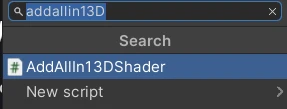
Section titled “Adding the component”Add the asset component like so:
Once added the component will look like this:
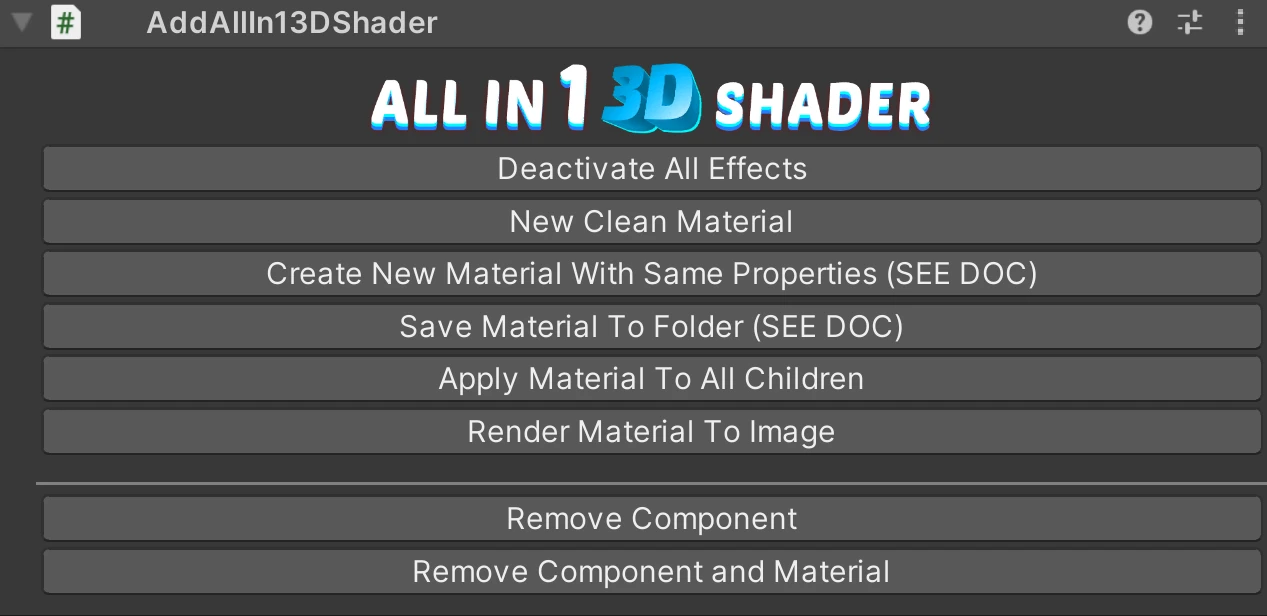
What the buttons do
Section titled “What the buttons do”- Deactivate All Effects: Turns every effect off without clearing its settings, so turning one back on restores what you had.
- New Clean Material: Creates a fresh instance of the AllIn13DShader material and assigns it, resetting all effects and properties.
- Save Material To Folder: Saves the material as an asset so it survives outside the scene. Press this before turning the object into a prefab, see Saving Prefabs. The save folder is set in the Asset Window.
- Apply Material To All Children: Applies this object’s material to every renderer under it in the hierarchy.
- Render Material To Image: Renders the current material to a texture you can save and reuse.
- Remove Component: Removes the component and leaves the material alone.
- Remove Component and Material: Removes the component and puts the renderer back on its previous material.
Two more buttons live on the Material Inspector rather than the component: Bake Shader Keywords and Revert To Generic Shader. Those are covered in Full Control Over Shader Keywords.