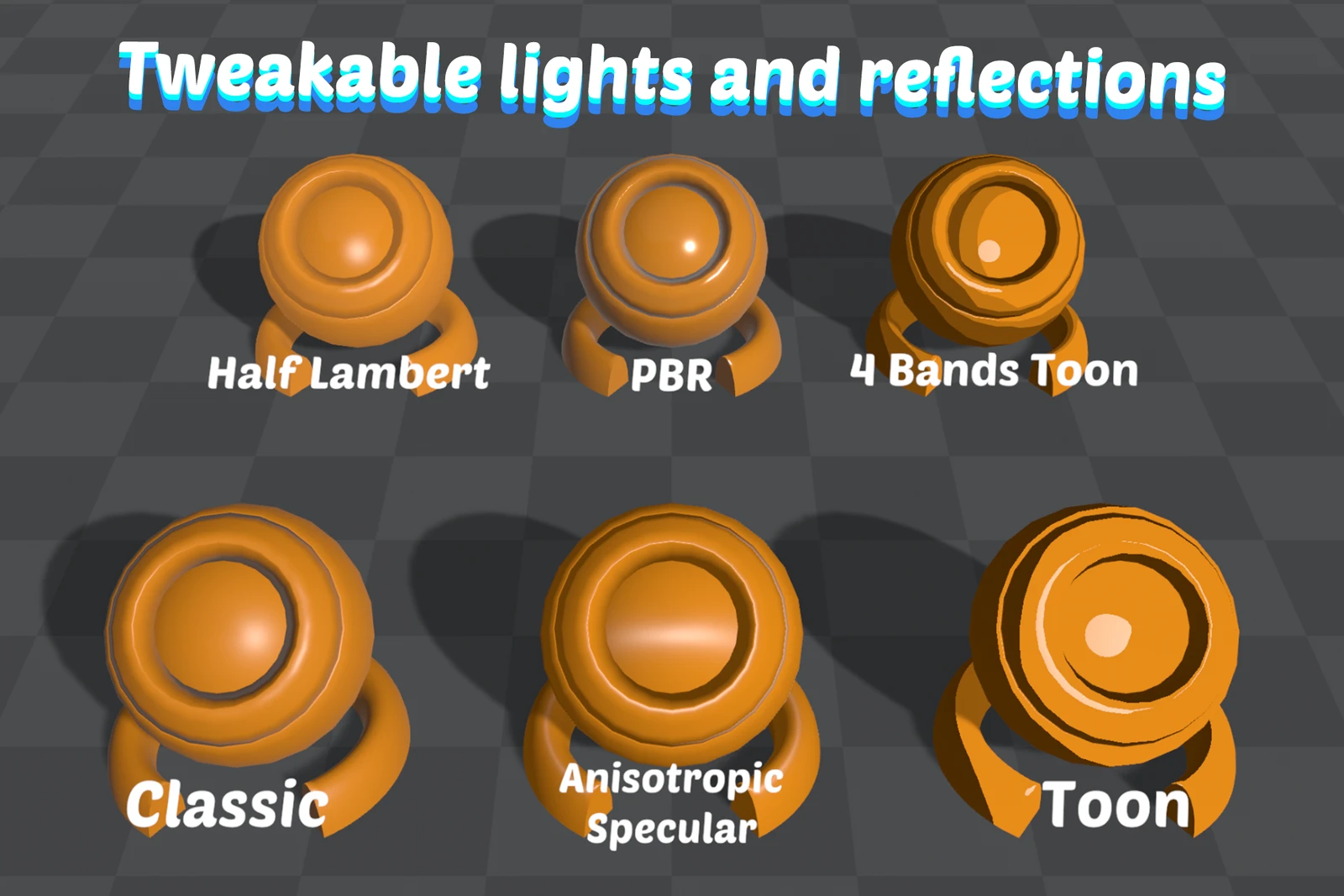
Light Models
The All In 1 3D Shader offers a completely personalizable lighting system that can be mixed and matched to fit your specific project needs. Unlike traditional shaders that restrict you to a single lighting approach, this system provides the flexibility to combine different lighting components for your desired visual style.
Light Model options
Section titled “Light Model options”- None: No lighting calculation at all. The material renders unlit, which is what you want for effects and UI-like surfaces
- Classic: Standard lighting calculation suitable for most scenarios
- Toon: Creates stylized cel-shaded look with hard edges between light and shadow
- ToonRamp: Uses gradient texture for more control over shading steps
- HalfLambert: Softer lighting that wraps around objects more than classic model
- FakeGI: Simulates global illumination by brightening shadowed areas
- FastLighting: Explained over fast-lighting
Shading Model options
Section titled “Shading Model options”- Basic: Simpler lighting calculations for standard scenarios
- PBR: Physically Based Rendering for realistic material simulation with properties like:
- Metallic: Controls how metal-like surfaces appear (0-1)
- Smoothness: Determines reflection sharpness and microsurface detail
Specular Model options
Section titled “Specular Model options”- Classic: Traditional Blinn-Phong specular model
- Toon: Hard-edged highlights for cartoon styles
- Anisotropic: Stretched highlights following a direction (great for hair, brushed metals)
- AnisotropicToon: Combines anisotropic highlights with toon-style hard edges
Mixing the models
Section titled “Mixing the models”Additional features include Reflection systems for environmental reflections, Normal Mapping for surface detail, and customizable Shadow options. The real power comes from mixing these different components - for example, pairing a Toon Light Model with PBR Shading for a unique stylized look, or combining Classic lighting with Anisotropic specular for realistic materials like hair or fabric.