
Fix Spring Size Warning
If the console shows this:
Spring size not valid! Fix in the editor to avoid performance issues: [ObjectName]it means a spring saved in that scene or prefab has a different number of dimensions than the current version of that spring type expects. The spring still runs, but it reallocates itself on every initialization, which is the performance cost the message is warning about.
This comes from the rotation spring changing shape during the asset’s early versions, before 1.2. It affects objects saved back then, mostly ones with a TransformSpringComponent, and nothing since 1.2 introduces it.
Fixing it
Section titled “Fixing it”Open the Asset Window at Tools → AllIn1 → Springs Toolkit Window, go to the Spring Settings tab, and use Fix springs sizes in current scene at the bottom.
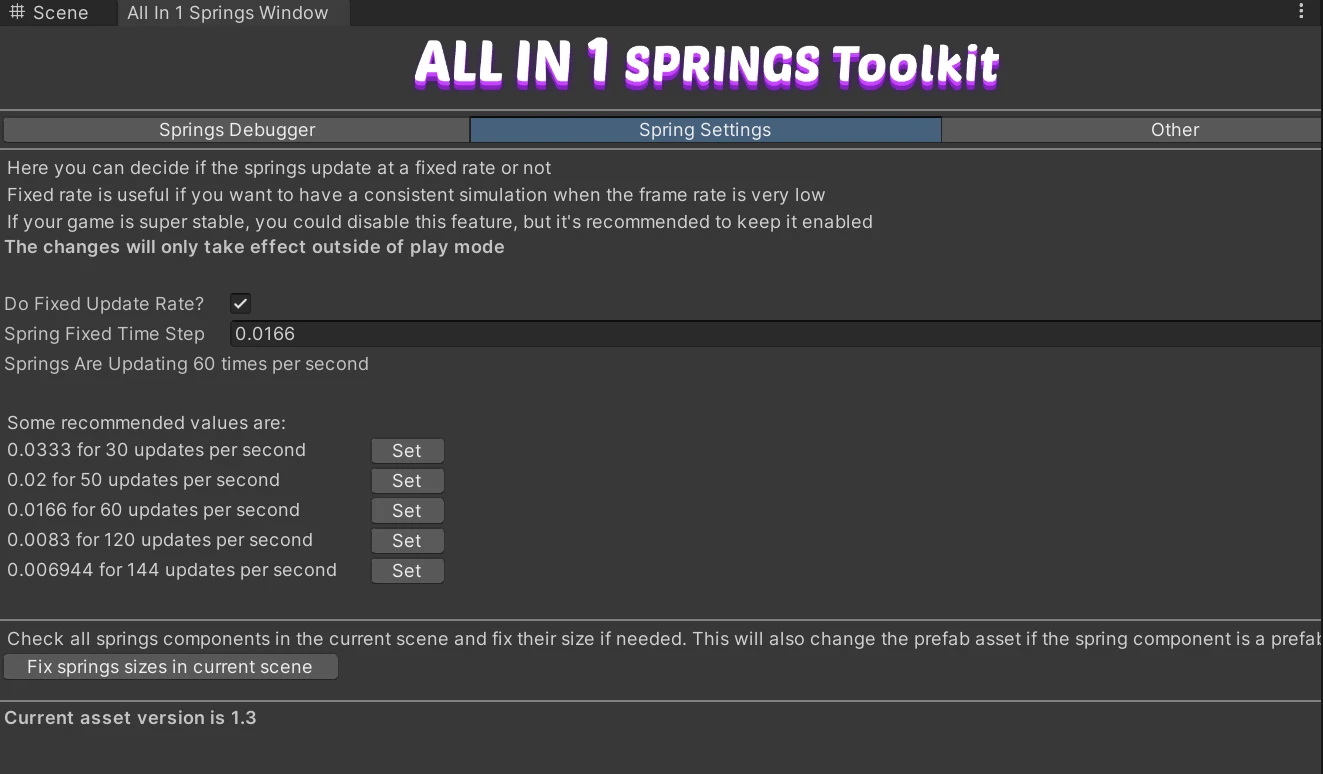
It walks every Spring Component in the open scene and resizes what needs resizing. Take a screenshot of your spring settings first, or make sure the scene is committed, since resizing an array can drop values that no longer have a slot.
The other route, for a single object, is to add a fresh component and copy the values across by hand.