
What is All In 1 Text Toolkit
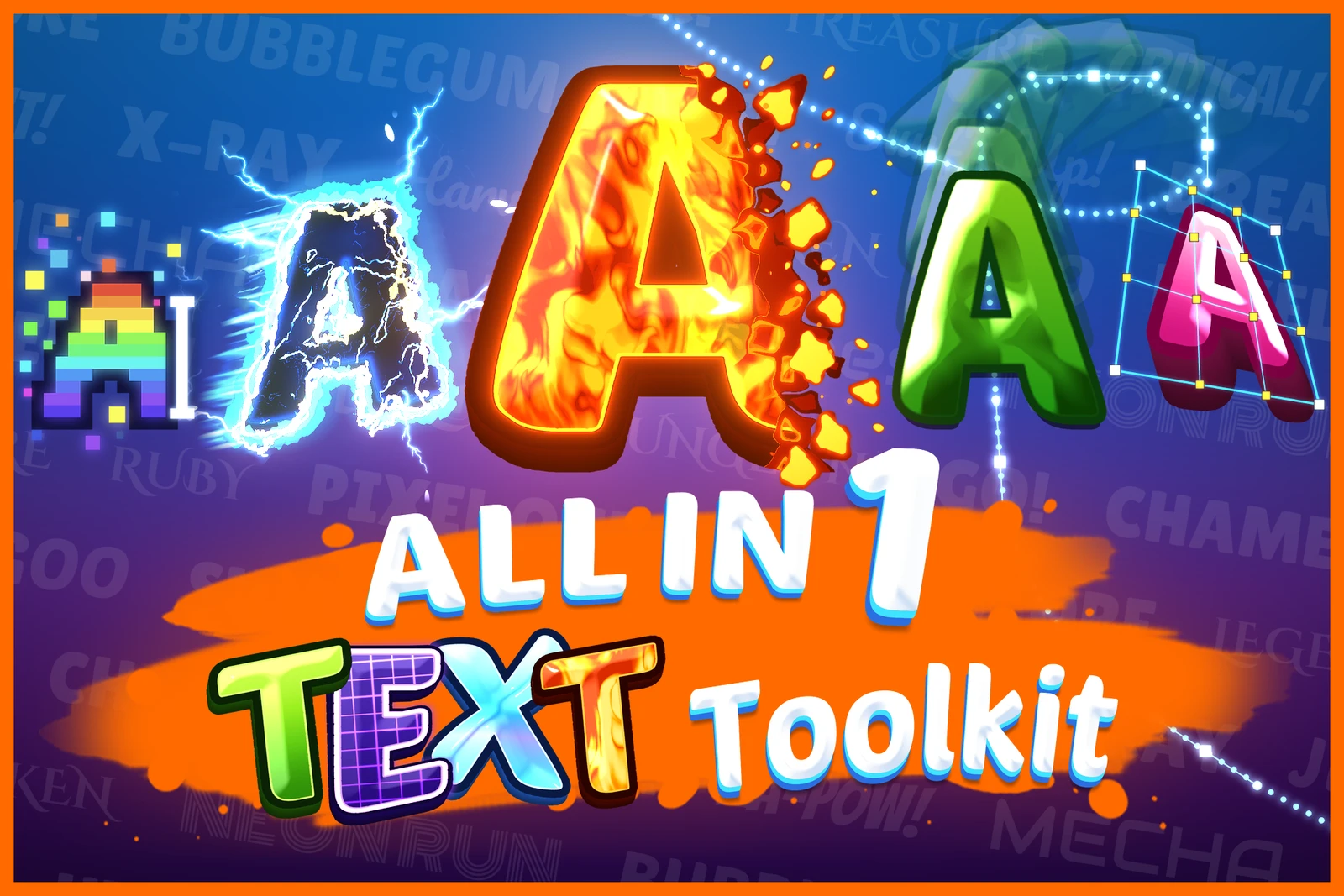
Titles, damage numbers, dialogue, logos and signs, made from your TextMeshPro texts in the editor, with no images to export. Make every text in your game look and move the way you want with All In 1 Text Toolkit!
It has two halves that work together or alone:
- The look. A text shader with 30 stackable effects: up to three outlines, inner and outer glows, two drop shadows, a lit bevel, 3D extrusion, gradients, holograms, LED displays, shine sweeps, dissolves, wind and more, all set up in a custom material inspector with a live preview.
- The motion. A typewriter that reveals, loops and hides text letter by letter or word
by word, with 12 motion effects, ten eases, inline tags like
<shake>, and events for typing sounds and dialogue flow.
On top of those: text that runs along a curve, warps into Photoshop style arcs, flags and circles, stacks extra layers with their own material, and throws sparks, embers and hearts off its letters, all of it animated and all of it on the same TextMeshPro text you already use.
Don’t own it yet? → Get it on the Unity Asset Store
See it in Action: Try our web demo now! → Play the demo in your browser. It runs on WebGPU, so open it in a recent Chrome or Edge.
New here? Start with First Steps, then open the demo scene: every look in it is a material you can inspect and copy.
This documentation will be periodically updated to reflect the latest version changes.
If you have any questions, head to Support.